Healthy lifestyles start here. Sign up and get exclusive offers
2 year warranty
Welcome gift -10%*
30-day return
TV
All series
LED TV
Discontinued
Support
52PFL8605/98
Go to shop
Log in or create an account
You instantly have access to manuals, tailored support and more. Plus it’s quick and easy
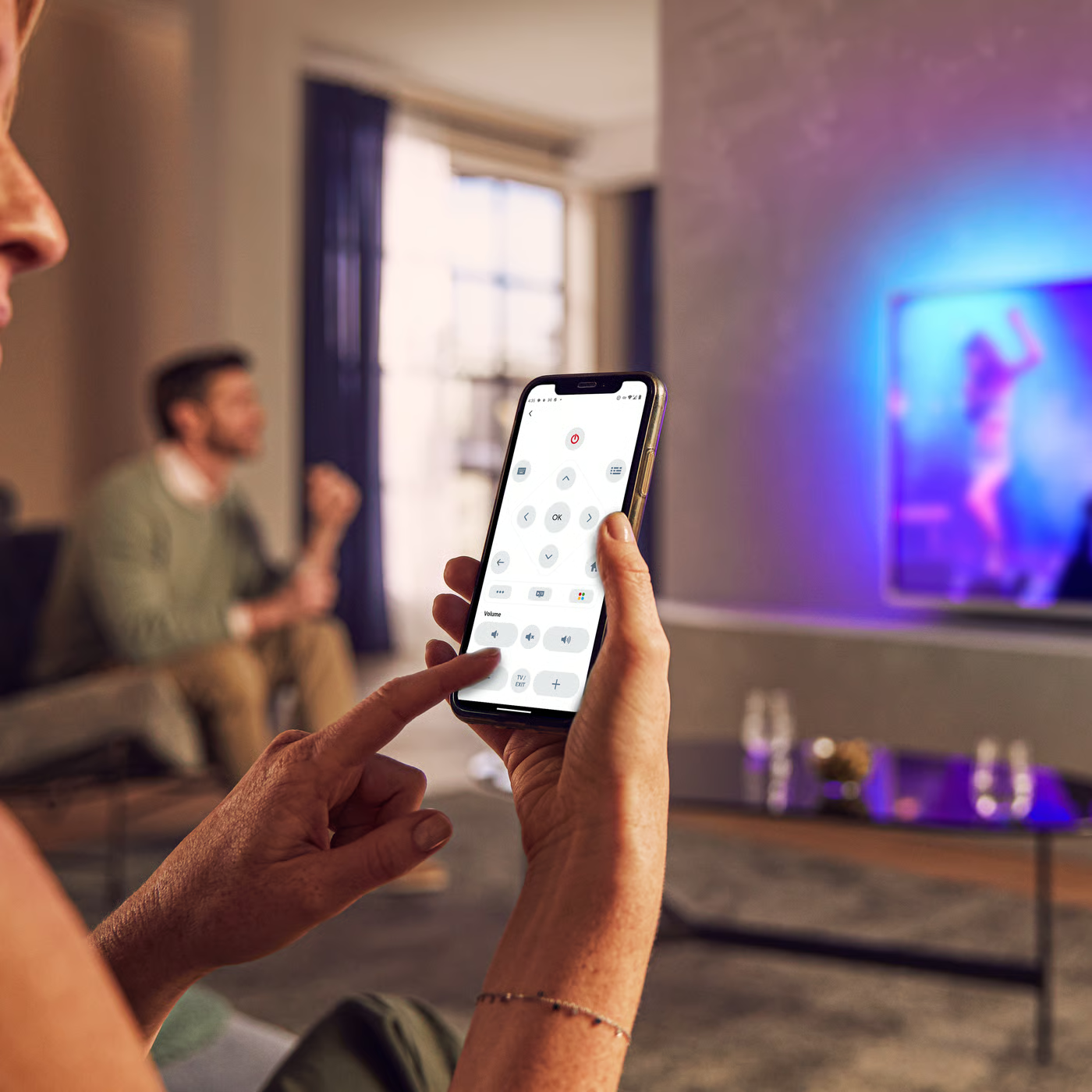
Control your TV with your smart device
The Philips Smart TV app turns your smartphone or tablet into a smart remote, letting you switch channels, adjust volume, browse apps, and fine-tune your Ambilight settings with ease.
Manual instructions - English
Firmwarehistory - English
User manual
Quick start guide
All (25)
Why does a message ‘No interactive contents available’ appear when I select ‘Show widgets’ icon from the Home Screen in my Philips TV?
Can I use my own subtitle files in Philips TV (with file name extension such as srt, smi, sub, ssa, txt and so on)?
Can I switch off the TV display and only listen to the sound in my Philips TV?
Can I reorder the icons on the Home menu in my Philips TV?
What is the function of the 'Scenea' feature in Home menu of Philips TV?
My Philips TV does not respond to the remote control
The video and audio signals are out of sync when I connect my Philips TV to a Home Theater System
When I switch on my Philips TV using the power switch, the startup screen appears and the TV switches to standby shortly after
Where can I find the Philips TV User manual?
A letter "cF" appears in the right-hand corner of the screen and my Philips TV does not respond to the remote control
Check the terms of your warranty and start a product exchange or repair
Warranty
Our product warranty policies
Contacting Philips
We're happy to help you